- Published on
- • 4 min read
Standardizing Agent Connectivity with Model Context Protocol (MCP)
- Authors

- Name
- Shaiju Edakulangara
- @eshaiju
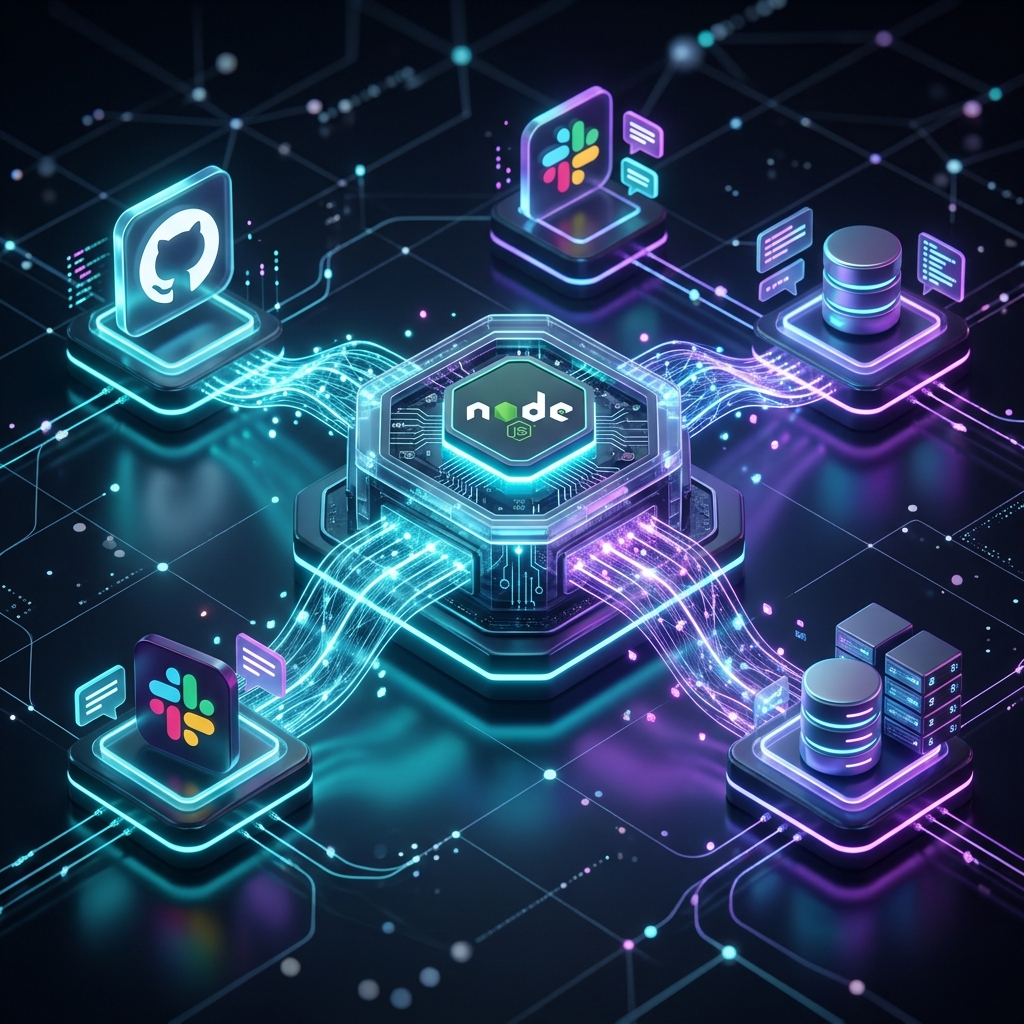
Integration is the primary scaling bottleneck for production agents. Historically, giving an agent access to external context—GitHub repositories, local filesystems, or SQL schemas—required writing bespoke tool definitions and manually managing individual API nuances within the application logic.
NodeLLM now supports the Model Context Protocol (MCP) to address this. MCP provides a standardized interface that decouples agent orchestration from capability implementation, allowing NodeLLM to act as a universal host for any MCP-compliant server.
Beyond Simple Tool Calling
The core strength of MCP lies in its unified handling of three distinct capability types. Unlike traditional integrations where tools are isolated, MCP allows an agent to understand the context (Resources) and expert intent (Prompts) before executing an action (Tools).
- Tools (Executable Actions): Executable functions with standardized schemas.
- Resources (Knowledge): Read-only context (files, logs, schemas) provided by the server.
- Prompts (Intent): Instruction templates that encode expert knowledge.
// Example: Unified GitHub Workflow (Tools + Resources + Prompts)
const github = await MCP.connect(githubConfig);

// 1. Discover the manifest
const { tools, resources, prompts } = await github.discover({ prefix: "gh_" });

// 2. Resolve expert intent (Prompt) and context (Resource)
const codeReviewPrompt = prompts.find(p => p.name === "Code Review");
const sourceCode = resources.find(r => r.name === "mcp_core_src");

// 3. Orchestrate in a single chat session
const chat = llm.chat()
  .withTools(tools)
  .addMessages(await codeReviewPrompt.get({
     code: await sourceCode.readText()
  }));

await chat.ask("Complete the review and create a GitHub issue for major bugs.");
Why NodeLLM MCP is Different
While many platforms are adding "MCP support," our implementation focuses on architectural purity and enterprise readiness.
🛡️ Transport-Layer Responsibility
In NodeLLM, the Transport Layer (Stdio or SSE) is the explicit owner of connectivity and security. This separation ensures that while the MCP protocol remains auth-agnostic, your production systems handle authentication, encryption, and session management at the transport level where they belong.
🧩 Composition over Specialization
The killer angle of NodeLLM is that it treats MCP as a Tool Source, not a special mode. This allows for effortless Multi-Source Composition—you can mix and match tools from disparate sources in a single session:
const chat = llm.chat().withTools([
  ...(await githubMcp.discoverTools()), // MCP Tools
  new LocalFileSystemTool(),            // Local Class-based Tool
  ...await discoverSearchTools(),        // External HTTP Tools
]);
🔄 Result Normalization
Unlike basic implementations that merely concatenate text, NodeLLM respects the structured nature of MCP results. Results are normalized into high-fidelity outputs, including text, structured data, and resource references, ensuring the LLM receives the most accurate representation of server-side data.
Technical Implementation
1. Unified Transport
Connect to any server via local Stdio or remote SSE transports using a consistent configuration.
import { MCP } from "@node-llm/mcp";

const mcp = await MCP.connect({
  command: "npx",
  args: ["-y", "@modelcontextprotocol/server-github"]
});
2. Execution Flow
NodeLLM provides a robust execution loop that ensures server-side tools behave exactly like local functions:
- Selection: LLM selects the tool based on the stabilized schema.
- Proxy Invocation: The
MCPToolproxy is invoked by the NodeLLM runtime. - Protocol Call: An MCP request is sent to the server.
- Normalization: The result is normalized (text/data/resources).
- Return: The structured result is returned to the LLM context.
3. Observability DSL
Server activity, including logging and progress notifications, is exposed through a chainable, event-driven interface.
mcp
  .onLog(({ level, message }) => console.log(`[${level}] ${message}`))
  .onProgress((p) => console.log(`Progress: ${p.progress}/${p.total}`))
  .onError((err) => handleProtocolError(err));
Orchestration at Scale
NodeLLM simplifies multi-server orchestration by managing multiple protocol connections concurrently. This allows an agent to aggregate context from disparate sources—like local documentation and real-time search—without global configuration side effects.
const mcps = await MCP.connectAll({
  docs: { command: "npx", args: ["-y", "@modelcontextprotocol/server-filesystem", "./docs"] },
  search: { command: "npx", args: ["-y", "@modelcontextprotocol/server-brave-search"] }
});
Status and Phase 3 Roadmap
MCP support is available now via the @node-llm/mcp package, completing our Phase 2 (Orchestration & Observability) milestone. The next phase will focus on Sampling—allowing bidirectional context loops where servers can request AI completions from the host.
npm install @node-llm/mcp
For technical details, visit the MCP Documentation.